
Ambient visit scribe
Never lose a follow-up in a paper bag again.
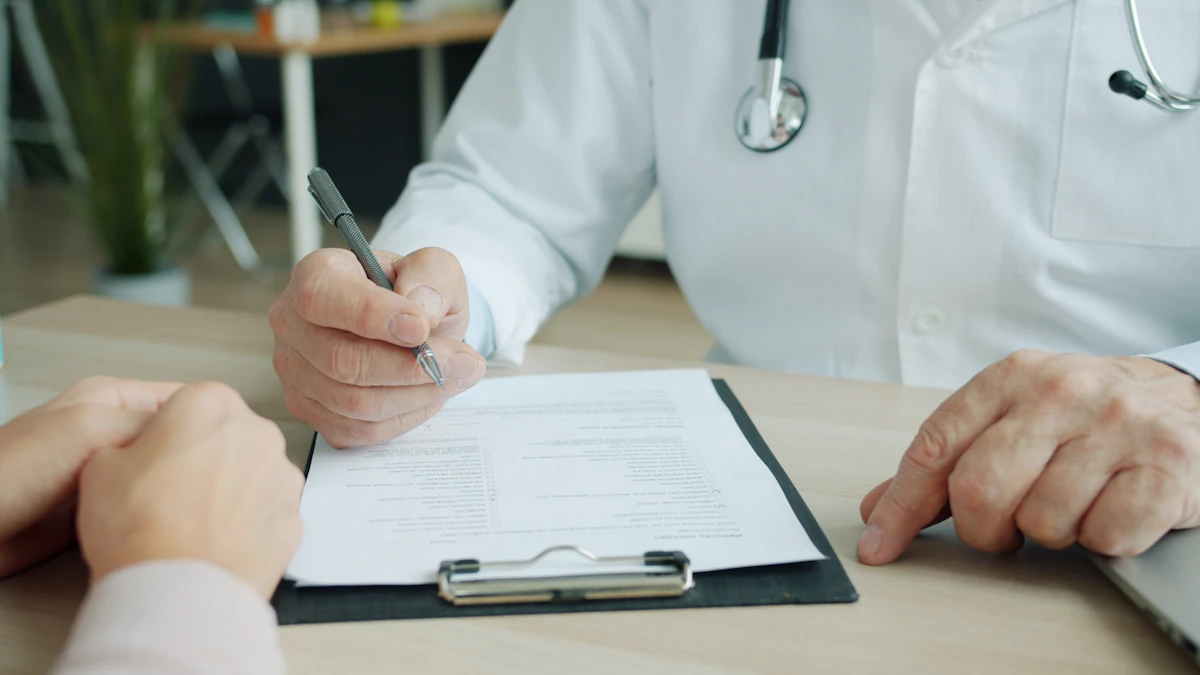
Record the appointment on-device with a 15-second HIPAA consent gate. Whisper transcribes; Gemini structures the follow-ups, med changes, and questions into tasks for your circle.
- Consent capture — with signature + device ID — is stored per session.
- Whisper-1 transcription with medical vocab priors.
- Gemini extracts todos, meds, and open questions into your feeds.
- Auto-syncs new meds to the Meds tab; no double-entry.
- Audio stays on-device unless you explicitly share it with the ops team.
How a visit becomes a plan
Consent required
Recording stays locked until consent is captured for this visit.
Step 1 of 4
Consent first, always
Recording cannot start until consent is captured on-device, with a signature and device ID stored against that session.
Illustrative interface — the caregiver app is where this happens.
Consent is a gate, not a checkbox
Recording a clinical conversation is only defensible if consent is real and provable. KinBridge blocks capture until consent is granted for that session, and stores what was agreed, when, by whom, and on which device. Consent can be revoked, and revocation is recorded prospectively rather than quietly erasing the history.
What comes out the other side is not a wall of transcript. The visit is separated into the things a caregiver actually has to act on: follow-up appointments to book, medications that changed, and questions that went unanswered and need chasing. Each one becomes an item in the shared feed, so the sibling who could not attend sees the same plan as the person who was in the room.
Medication changes are the highest-risk part of any appointment, so they are handled as data rather than prose. A new dose captured in the visit flows into the Meds tab as a scheduled reminder, which is what actually prevents a missed or doubled dose at home.
The paper-bag method vs the scribe
Based on how the product works today. It supports the caregiver's memory — it is not a medical record and not clinical advice.
How the visit scribe works
Nobody remembers a 20-minute appointment accurately. You remember the scary part and forget the dosage.
Start the scribe as the appointment begins — on your phone, in the room, or on speaker if you are joining by call. It listens, and when the visit ends you get a structured summary within about a minute: what was discussed, what changed, every medication named with its dose, and the follow-ups with dates attached.
The parts that matter get pulled out separately. New prescriptions land in the medication list. “Come back in six weeks” becomes a scheduled reminder. Questions the doctor asked you to think about are kept as open items so they do not quietly disappear.
Then it goes to your care circle. Your sister who could not take the afternoon off reads the same summary you heard, and the aide arriving Thursday sees the new dosing instruction without a phone call. Everyone works from one version of the visit instead of four half-remembered ones.
Recordings are processed and discarded — we keep the summary, not the audio, and consent is captured before anything starts.
Frequently asked questions
- Do I need permission to record?
- Yes, and we prompt for it. The scribe shows a consent step before it starts and clinicians are told what it is doing.
- How accurate are medication names and doses?
- Drug names and dosages are extracted and flagged for your confirmation rather than assumed correct — you get a one-tap review of each one.
- Does it work over the phone or on a video call?
- Yes, for both, as long as the device running KinBridge can hear the conversation.
- Is the audio stored?
- No. Audio is processed to produce the summary and then discarded. The written summary is what is retained in your account.